Introducing 22oz Copper Insulated Water Bottles! Cold for 48 hours & Hot for 12. In the SHOP Now

From Paper to Pixels: What Going Digital Taught Me
Going digital saved my art. Here is the honest story of drawing tablets, Clip Studio Paint, aphantasia, and why Control Z is my new best friend.
 ByLeona

Control Z. Two keys. Life changing. Going digital did that.
That might sound dramatic, but if you have ever spent hours on a drawing only to ruin it with one wrong mark or color choice, you will understand completely. Let me back up.
The Scanner Problem That Started Everything
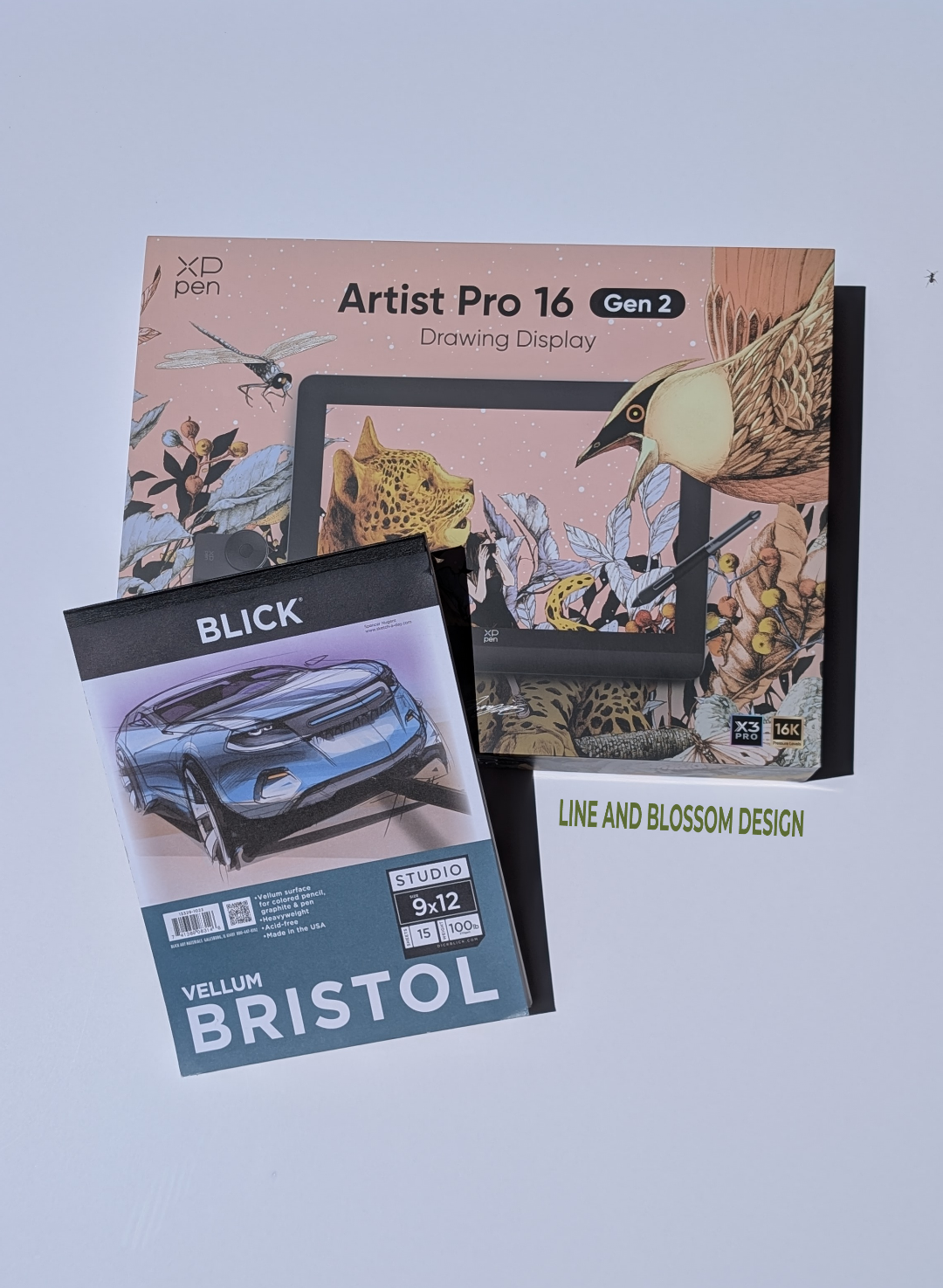
My art lived on Bristol paper, normally around 9×12. Read about how my drawing journey began at 55. The scanner on my printer only did 8.5×11. No matter how I looked at it, that math was never going to add up, and that one stubborn fact sent me down a road I never expected.
I knew selling online meant going digital, so logically, for my brain at least, that meant creating digitally too: an idea that was a bit frightening because I had only ever drawn with paper and pen. I wondered if I could even do it. Don’t get me wrong, I did research new scanners and how to use what I had. A new scanner in the size I needed? WOW, expensive. And using the one I had meant hours of trying to get multiple scans of one art piece stitched together. Both options were a hard no.
Down the Drawing Tablet Rabbit Hole
Neither of those options were going to work, then I remembered about drawing tablets. Oh boy, a new rabbit hole to dive into, and dive I did. I had no idea where to start; I didn’t even know the brand names. So I did what anyone does: searched “Best drawing tablets.” Like most of you, I know that search is going to give you a mixed bag. What it did give me was brand names and a starting point, which was all I was really after. With my list in hand (yes, actually written out the old fashioned way) I started digging into real reviews from blogs, YouTube, and anywhere else I could find them.
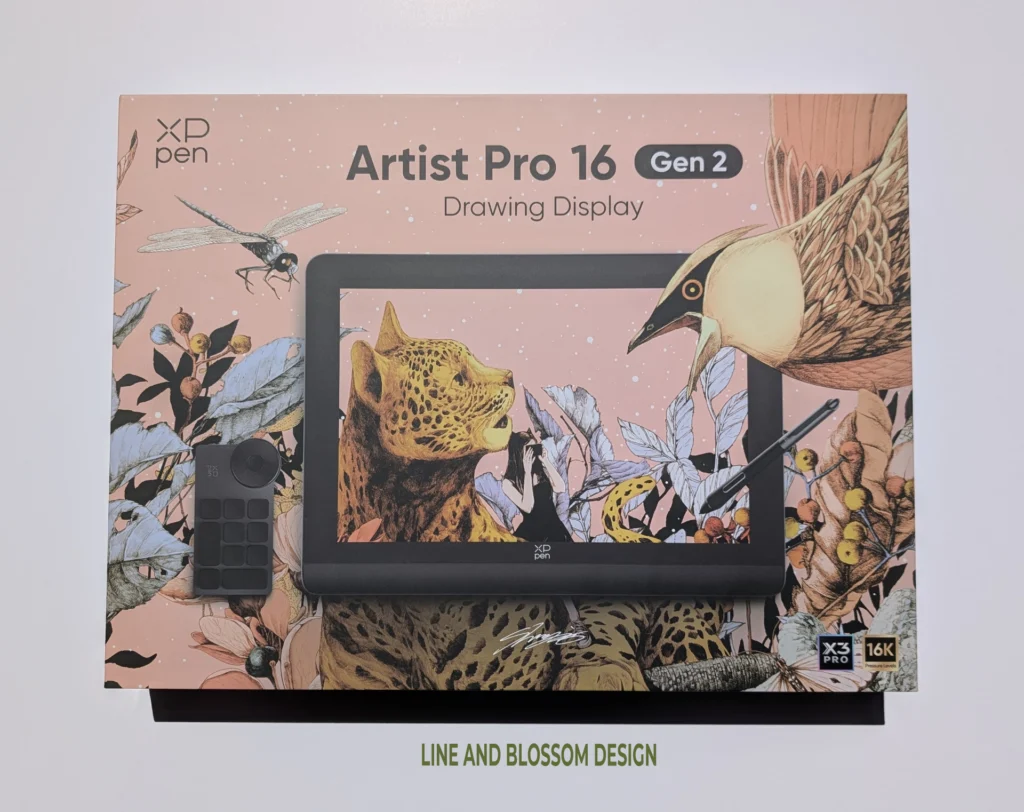
I went through the list methodically, constantly crossing things off: too expensive, poor reviews, artist complaints, and one simply because I thought it was ugly. Some of the prices looked more like down payments for a car; spending several thousand dollars on a drawing tablet was out of the question. Finally one stood out from everything else, the XPPen Artist Pro 16″ (Gen 2). The best part? It was on sale. Regular price $700, I paid $400 (the pricing may be different now). With the choice made I was officially going digital.
Finding the Right Software
I had found my drawing tablet, now I needed software. I do own an older version of Corel Draw, but had never liked the software. It might have worked beautifully, but my love-hate relationship with it would have been a hindrance, probably suffocating my drawing altogether.
At first I wanted to look for free software to use. I did discover both Krita and Inkscape. Both are solid options, but each has its strengths and weaknesses; used together they can balance each other out. I didn’t like the idea of needing to learn two software packages, so I kept looking for the how I was going digital.
I noticed in the video reviews I was watching during my drawing tablet research that many, if not most, were using the same software. I took a screenshot of a video and asked Google Gemini what it was. The answer was Clip Studio Paint (CSP). The reviews were good and while those were important, it was the fact that so many artists were already using it that sold me on CSP.
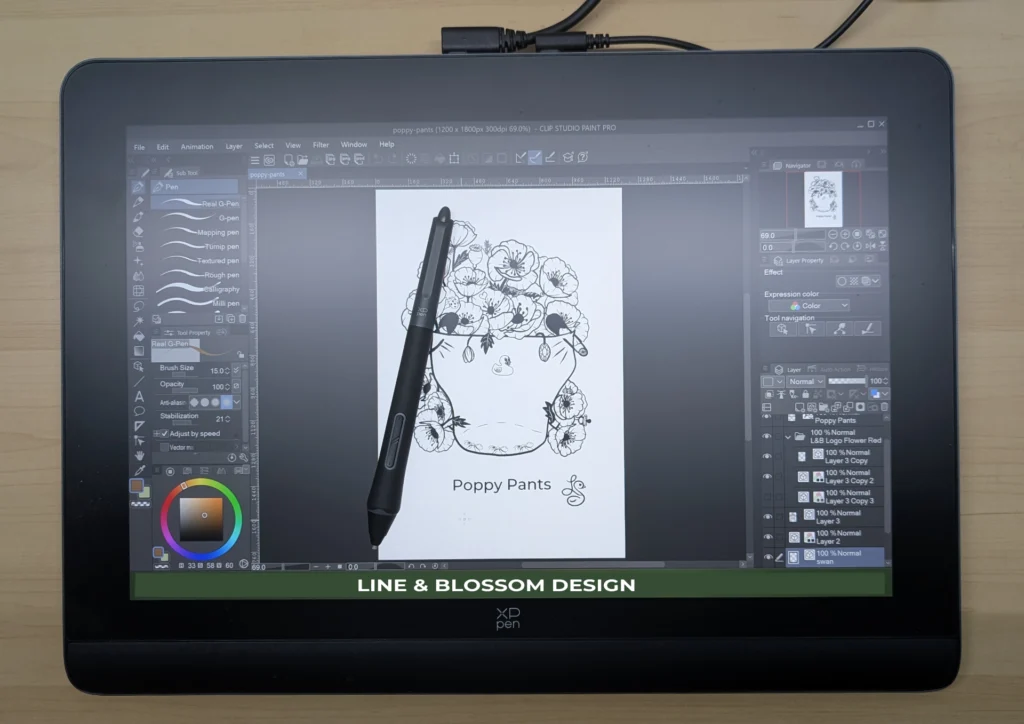
I would love to say I waited patiently for my new tablet to be delivered, but alas I can’t. Patience and I are acquaintances, but not close friends. I started watching and reading tutorials for CSP even though I didn’t even have the software yet.
I looked into any information I could find about the struggles of making the transition from paper to tablet and how big of a learning curve there would be. I had never used a stylus and worried that the feel of it would be so foreign that I would need to learn to draw all over again. I began to wonder if I had made an expensive mistake, just like I had with my art supplies.
The Setup, the Panic, and the First Line
When the tablet arrived, I read the instructions for setup, did what I thought they said to do, turned it on, and nothing. I set it up wrong. It did not work. I panicked. Thank goodness for my husband, who figured it out while I stood nearby being unhelpful. Once everything was running, I installed CSP and opened a blank page.
I grabbed the stylus and started playing around with line and pressure, got comfortable, then hit the delete button. With a clean page I started drawing an old favorite, the Cosmos flower. I admit it was a bit awkward at first, but I settled in and fell in love!
Meet My New Best Friend: Control Z
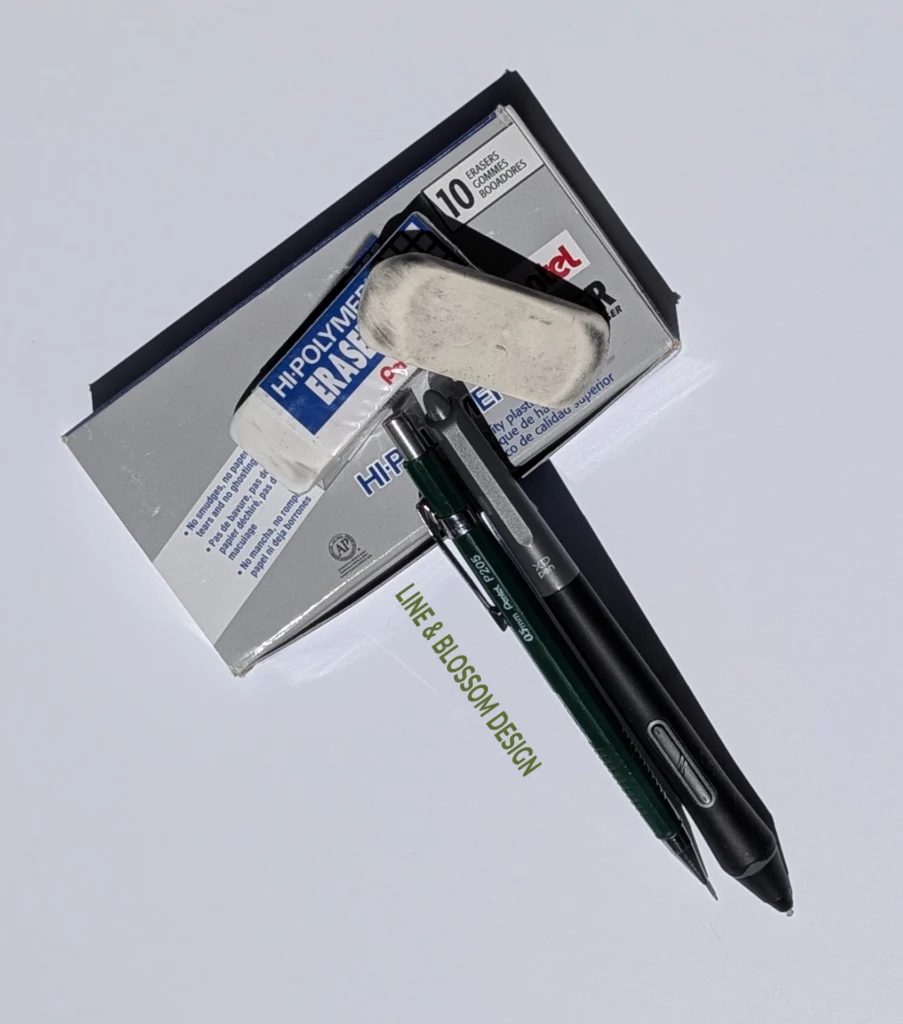
My best friend when I drew with paper and pen (well, pencil to start) was an eraser. I used it so much I bought a box of 10 Pentel Hi-Polymer Erasers (I actually still have a couple of them). I had gotten used to the mess and the need to vacuum after a long drawing session. This routine was about to change in the most amazing way.
As I started drawing that Cosmos flower, some of the petals looked just plain weird. Instead of reaching for my tried and true eraser, Control Z became my best friend. Now when I draw anything, I have the stylus in my right hand and my left resting on the keyboard; you guessed it, right near the Control and Z keys.
I have absolutely no regrets about going digital. In fact, it has been liberating. I can relax and draw, mistaken line, Control Z. Oops, that part needs to be bigger or smaller, quick resize of the selected lines: not erase, erase, erase or start over. I can see my art in my desired color, black, from the first stroke to the last hidden friend. I can go back and completely change that black to any color I want to try. My Vignette Series was my first foray into this.
What Going Digital Really Changed
The learning curve I was so concerned about didn’t happen. It felt natural to draw on the tablet with my stylus. I can now experiment with my art in ways never possible before. I can choose between every color imaginable for a background and actually see how it would look. Before, I had several occasions where I ruined a piece of art I had spent countless hours on by making the wrong color choices.
This is one place where, without knowing it at the time, my aphantasia was hindering my art. Learn more about my aphantasia journey here and here. I could not picture what a color would look like until I put it to the page. Going digital as an artist is a dream come true. I can draw, experiment, and play with any piece until it is exactly right to my eyes.
With my aphantasia combined with going digital, creating art now is more fun and enjoyable than it has ever been since I started. If you are wanting to learn to draw or already do, and like me and many other artists have aphantasia or even a limited mind’s eye, I highly recommend making the switch. It doesn’t matter whether you use an XPPen drawing tablet, another brand, or an iPad with Procreate; new doors are waiting to be opened.
Before I only used black ink on white paper. Now I can experiment with different inks on any color I want, no limitations. I can try using scanned watercolor skies as a background on a finished piece just to see what it looks like.
No more drawing over and over. No more abandoning a piece because the mistakes piled up beyond saving. No more vacuuming eraser dust off the chair, the floor, and somehow everywhere else.
Control Z, I love you.
Questions About Going Digital as an Artist
Is there a big learning curve when switching from paper to digital drawing? Not as big as you might fear. The transition feels more natural than expected, especially if you already know how to draw. The tools are different but the instincts are the same. The stylus feels foreign for about ten minutes, and then it just feels like drawing.
Do you need an expensive drawing tablet to get started? No. There are solid options at a range of price points. Start with research, read real artist reviews rather than product descriptions, and cross off anything with consistent complaints. The brand name matters less than finding one that fits your budget and has good pressure sensitivity. I paid $400 for mine on sale and have never wished I had spent more.
What software do you recommend for digital drawing? Clip Studio Paint is what I use and what I would recommend, especially for line art. The reason I chose it was simple: everywhere I looked during my research, artists were already using it. That kind of widespread adoption tells you something. It also has a free trial, so you can test it before committing.
Can someone with aphantasia draw digitally? Yes, and in many ways going digital is better suited to artists with aphantasia than working on paper. The ability to try a color, see it immediately, and change it without consequence removes one of the biggest obstacles. There is no longer a gap between intention and result that you cannot picture in advance.
Is Clip Studio Paint or Procreate better for beginners? It depends on your setup. Procreate is iPad only, beautiful, and very intuitive. Clip Studio Paint works across more devices including dedicated drawing tablets like XPPen. Both are used by professional artists. If you already have an iPad, Procreate is a natural starting point. If you are investing in a drawing tablet, Clip Studio Paint is worth a close look.
Is there a free digital drawing software worth using? Yes. Krita is a well-regarded free option that many artists use seriously, not just as a stepping stone. It is open source, actively maintained, and has solid brush and layer tools. If budget is a concern it is absolutely worth trying before committing to a paid subscription or purchase. Additionally, you can check out Inkscape.
I could not picture any of this before I did it. By going digital or better yet, from paper to pixels, I used my vintage key to unlock a door whose access had been denied to me for years.
